


Download Google Messages – messaging app, RCS, SMS, chat, Android, iOS, free messaging, secure messaging, modern messaging app, chat bubbles, message categorization, spam protection, dark mode, voice transcription, AI chat, Google Lens
Overview
Google Messages is a free messaging application developed by Google, designed to modernize traditional SMS communication by integrating Rich Communication Services (RCS) technology. The app aims to deliver a seamless, feature-rich texting experience that combines the reliability of SMS with advanced capabilities such as read receipts, high-resolution media sharing, and enhanced group chat functionality. Targeted primarily at consumers and professionals who rely on consistent, real-time messaging, Google Messages offers a clean, adaptive interface that aligns with the user’s device theme for a personalized experience.
It supports multiple languages, ensuring accessibility across diverse user bases. The app is particularly beneficial for users seeking a more interactive and secure messaging environment, especially when RCS is enabled by their carrier. Real-world usage scenarios include personal conversations, business communications, and coordination through group chats with rich media.
The integration of AI-driven features like message categorization and spam protection further enhances usability by reducing clutter and safeguarding privacy. Google Messages also supports chat bubbles for notifications, voice message transcription, and expressive animations, contributing to a more engaging experience. The app’s reliance on internet connectivity for RCS functionality means it can operate without SMS credits, making it a cost-effective alternative for users with limited texting plans.
Key Features & Capabilities
- RCS Integration: Enables modern messaging features such as read receipts, typing indicators, high-resolution media sharing, and improved group chat functionality when supported by the carrier and recipient.
- Message Categorization: Allows users to organize conversations into custom folders, separating personal, business, and promotional messages for better inbox management.
- Spam Protection: Built-in filtering system identifies and isolates scam messages, junk texts, and other unwanted content to enhance privacy and reduce inbox clutter.
- Chat Bubbles: Provides floating notification bubbles for quick access to ongoing conversations, improving multitasking and responsiveness.
- AI-Powered Replies: Integrates with Gemini, Google’s AI assistant, to generate smart, context-aware message responses, saving time and improving communication efficiency.
- Dark Mode: Offers a night-friendly interface that reduces eye strain during low-light usage.
- Voice Message Transcription: Automatically converts voice messages into text, allowing users to read messages without playback.
- Google Lens Integration: Enables image-based searches and context-aware actions directly within the chat interface.
- Enhanced Media Sharing: Supports faster photo and video transfers with improved compression and quality preservation.
- Customizable Sounds: Users can personalize outgoing and incoming message notification sounds for a tailored experience.
These features collectively improve communication efficiency, security, and user engagement. For example, message categorization helps professionals manage client conversations separately from personal ones, while spam protection ensures a safer messaging environment. The AI chat feature streamlines responses in fast-paced exchanges, and Google Lens integration adds utility for users seeking quick information from shared images. While the full suite of features depends on RCS availability and carrier support, the app remains a robust tool for modern messaging needs.
User Interface, Workflow & Performance
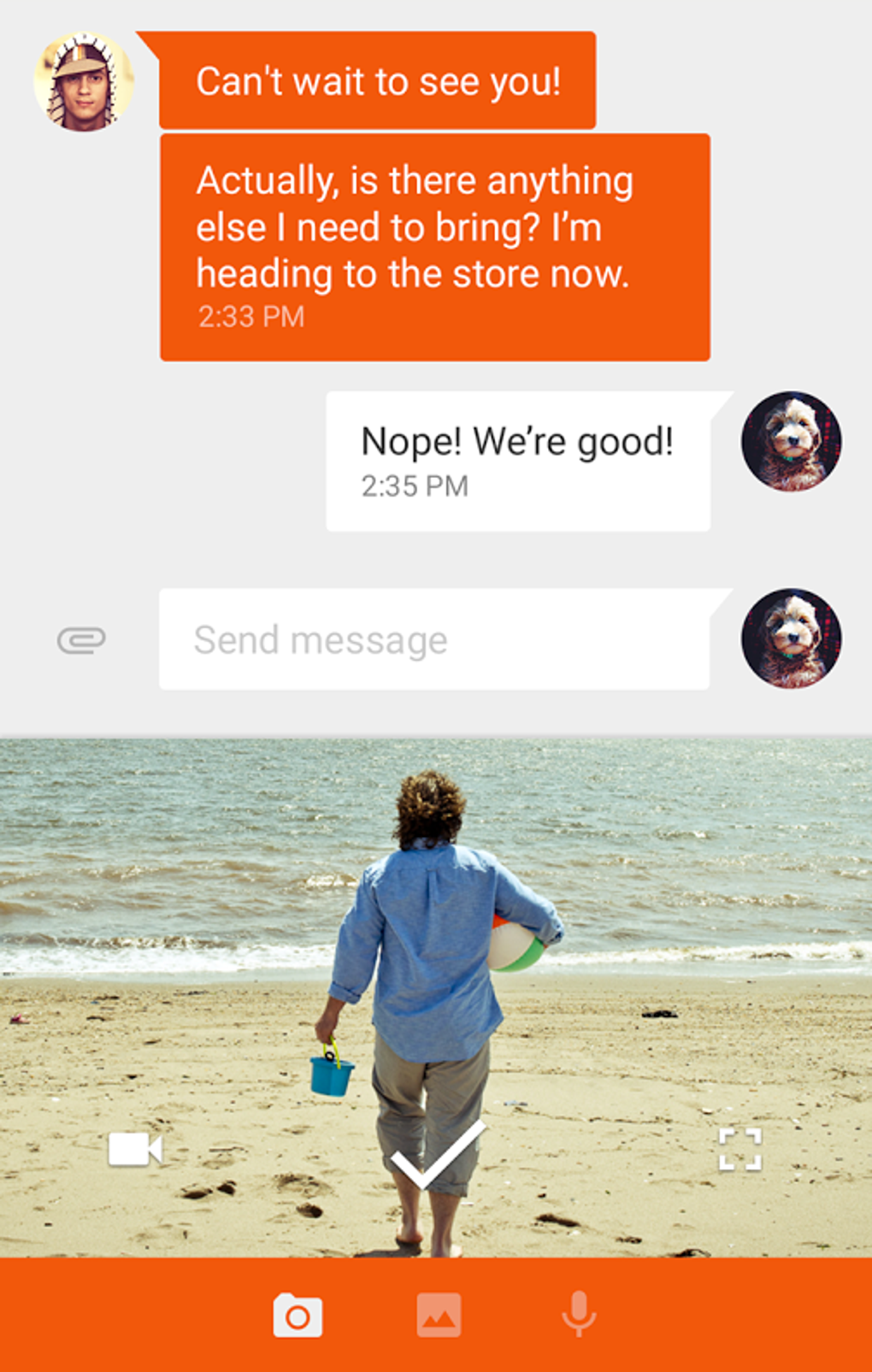
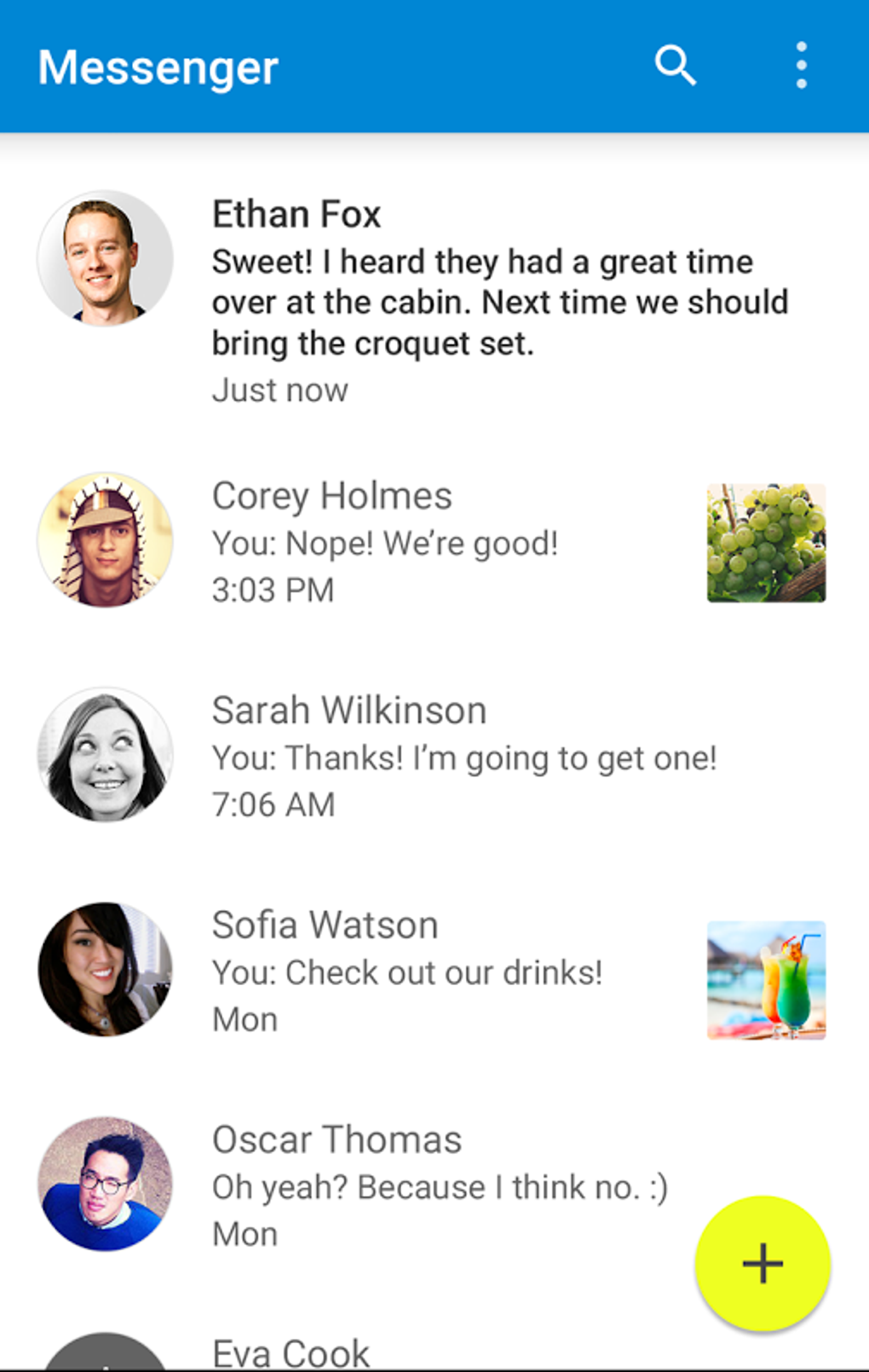
Google Messages features a clean, intuitive interface that adapts to the user’s device theme, offering a consistent and visually appealing experience. Navigation is straightforward, with conversations displayed in a chronological list, and quick access to settings, chat bubbles, and AI features via a streamlined menu. The workflow is designed for efficiency, allowing users to initiate messages, share media, and access advanced features with minimal taps.
Message categorization and spam filtering are integrated into the core experience, reducing manual effort in inbox management. The app supports pinch-to-zoom for conversation text, enhancing readability on larger screens. Performance observations are based on general software behavior patterns; no specific performance benchmarks were provided.
The developer did not specify resource usage details, so CPU and RAM behavior cannot be confirmed. Stability is expected to be high given Google’s development standards, though real-world performance may vary based on device hardware and network conditions. The app supports offline messaging with SMS fallback, ensuring continuity when RCS is unavailable.
Overall, the interface prioritizes usability and accessibility, making it suitable for both casual users and power users seeking advanced functionality.
Compatibility & System Requirements
Google Messages is available for Android and iOS devices. The current version is 7.1.0, with an installation size of 100 MB. The developer did not provide additional system requirements.
Exact hardware specifications or minimum OS versions were not listed. Compatibility information was partially provided, with support confirmed for both major mobile operating systems. Users should ensure their device meets the general requirements for running modern mobile applications.
The app’s reliance on RCS means functionality may vary depending on carrier support and network conditions. For optimal performance, users are advised to keep the app updated to the latest version.
Pros and Cons
Pros
- Free to download and use with no hidden costs.
- Modern messaging experience with RCS integration for enhanced features.
- Strong spam protection and message categorization for better inbox organization.
- AI-powered replies via Gemini improve response speed and convenience.
- Dark mode and voice transcription enhance accessibility and usability.
- Seamless integration with Google services and ecosystem.
- Supports chat bubbles, customizable sounds, and expressive animations.
Cons
- RCS functionality depends on carrier support, which varies globally.
- Some features are unavailable when communicating with users on non-RCS platforms.
- Google Lens integration may have limitations in certain regions or with specific content.
- Performance and feature availability may differ across devices due to lack of specified system requirements.
- Full feature set is not accessible without an internet connection for RCS.
FAQ Section
Is Google Messages available for both Android and iOS?
Yes, Google Messages is available for both Android and iOS devices.
Is Google Messages secure?
Google Messages includes built-in spam protection and message filtering to enhance privacy. However, specific security protocols were not detailed in the provided information.
Does Google Messages require an internet connection?
While SMS functionality works without internet, advanced features like RCS, AI replies, and media sharing require an internet connection.
Can I use Google Messages without RCS?
Yes, the app supports standard SMS messaging even when RCS is not enabled or supported by the carrier.
How often does Google Messages receive updates?
Updates are released regularly to improve performance, fix bugs, and introduce new features. Users are encouraged to keep the app updated for the latest version.
Final Thoughts + CTA
Google Messages stands out as a leading modern messaging app, successfully blending traditional SMS with advanced RCS capabilities. Its clean interface, robust spam protection, message categorization, and AI-powered features make it a powerful tool for everyday communication. While carrier-dependent RCS support can limit full functionality in some regions, the app remains a reliable and feature-rich option for users on compatible networks.
The integration of Google’s ecosystem, including Gemini and Google Lens, adds significant value. For those seeking a secure, customizable, and efficient messaging experience, Google Messages delivers a compelling solution. Download Google Messages now to experience the future of texting.





.png)

